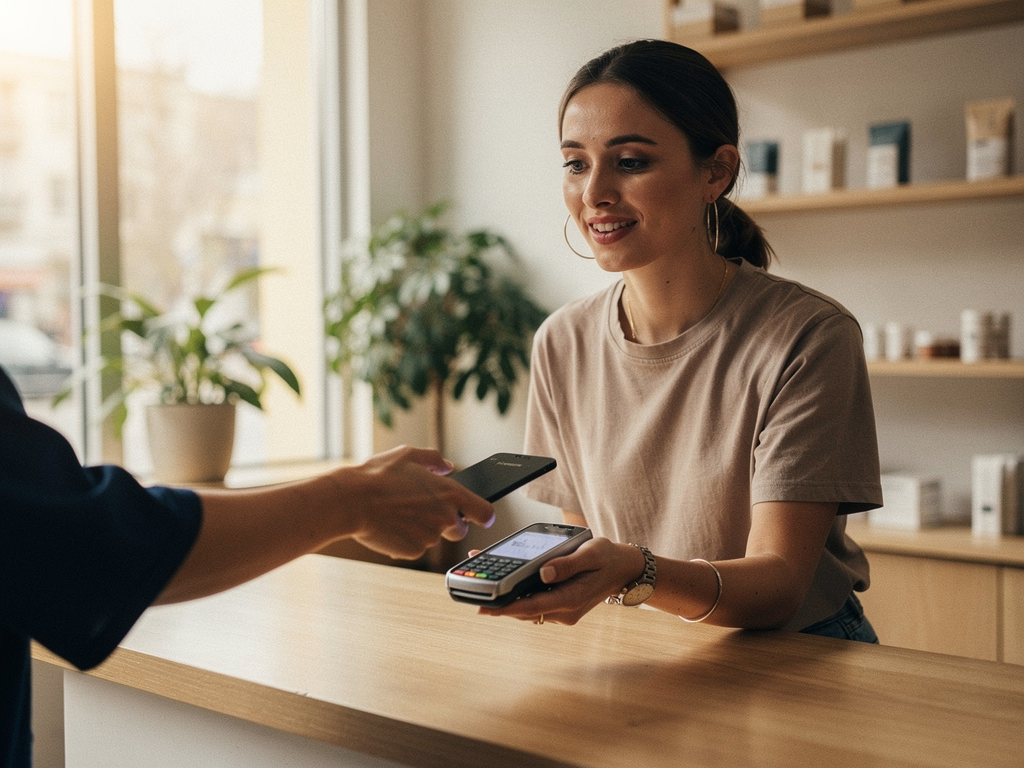

To start accepting credit cards, choose how you will take payment (in person, online, or on the go), set up a merchant account or processing provider for that channel, and add the matching hardware or checkout. Most small businesses are accepting cards within a few days, and the choice that matters most is getting a real merchant account with transparent pricing rather than the first instant-signup option you find.
Start with how your customers actually pay
Before you compare providers, decide where money changes hands, because that drives every other choice. Are most of your sales at a counter, on a website, or out in the field at a job site or a market? Many businesses are a mix, and that is fine. Knowing your blend tells you which tools you need and keeps you from paying for ones you do not.
In 2026 customers expect to tap, swipe, or use a digital wallet almost everywhere, so the goal is simply to meet them where they buy. The three main channels are in person, online, and mobile, and most providers can cover more than one from a single account.
In-person, online, and mobile, compared
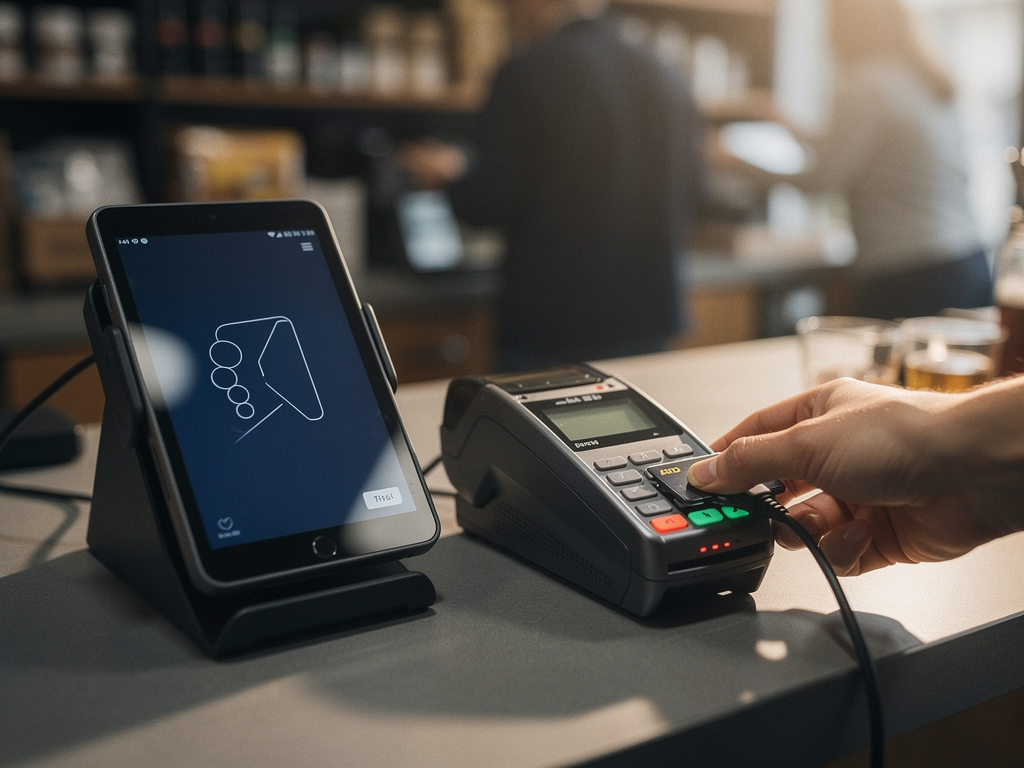
In person means a countertop terminal or a full point-of-sale system that accepts chip, tap, and digital wallets. A countertop or wireless terminal generally costs about 100 to 500 dollars to buy outright, and a full POS setup with a screen, drawer, and printer often runs under 1,500 dollars. This is the right path for a retail counter, a restaurant, or a salon.
Online means a payment gateway connected to your website or your invoices, so customers enter card details at a secure checkout. This is card-not-present, which costs a little more per transaction because the fraud risk is higher, and it is essential for any business selling or invoicing digitally.
Mobile, or on the go, means a small card reader paired with the phone or tablet you already carry, or a tap-to-pay feature built right into the phone. It is ideal for food trucks, trades, pop-ups, and markets. Many owners run two channels at once, for example a counter terminal plus mobile readers for events, all reporting back to one account.
Set up your account, step by step
Step one: gather your basics, which usually means your business license or registration, your federal tax ID or EIN, your business bank account details, and an estimate of your monthly card volume and average ticket. Having these ready makes the rest fast.
Step two: choose a merchant account or processing provider and get underwritten. A real merchant account is reviewed up front, which typically takes a few business days. Be cautious of anything advertising truly instant approval, because instant approval usually signals the aggregator model where the real review happens after you start processing, which is what produces surprise freezes later.
Step three: select and configure your hardware or checkout for the channels you chose, then run a small live test transaction to confirm money flows from card to bank. Step four: set your tax, tip, receipt, and reporting preferences, and you are live. From gathering documents to taking your first card, most small businesses are running within a few days.
What it costs, in plain numbers
Per-transaction processing fees generally land between roughly 1.5 and 3.5 percent, and they break into three parts. Interchange is the wholesale cost set by the card networks and paid to your customer's issuing bank, which is identical for every business and not negotiable. Assessments are small network fees. The processor markup is the part that actually varies between providers, and it is where you either save money or quietly overpay.
Watch the line items that pad a bill: long-term contracts with early-termination fees, equipment leases that cost far more than buying, PCI compliance charges, batch fees, and monthly minimums. To compare providers honestly, look past the headline rate and add every fee, then divide by your sales volume to get your true effective rate. Our companion guide, How do I calculate my real effective rate from my statement, shows that exact method.
What to ask a provider before you commit
Ask the questions that separate a transparent provider from a trap. Is this a real merchant account in my own business name, or a shared aggregator slot? What is the pricing model, and can I see the actual rates in writing? Do I own my equipment or lease it, and is there a contract term or early-termination fee? Can I reach a real human if my system goes down during a rush? And how fast do funds reach my bank?
A provider that answers all of those plainly is one you can trust with your daily revenue. With North you get a real merchant account underwritten in your own name, transparent interchange-plus pricing, Payanywhere hardware for the counter, the web, and the road, fast funding, and live human support, all from a true end-to-end processor with no third-party security middlemen. Send me a few details about how you sell for a free statement review, and I will set you up on the right channel and show you North's published rates on the rates page first, so you know exactly what you are paying before you ever take a card.
Want this read for your own statement?
Send your last processing statement and Alex will show you your true effective rate, what is interchange, and what is pure markup. It costs nothing either way.